AI-powered document creation has evolved rapidly between 2025 and 2026. Early AI writing tools were primarily focused on generating paragraphs or short articles, but modern systems now extend far beyond text generation. Many platforms are capable of producing structured documents such as reports, contracts, operating procedures, project briefs, and financial summaries.
This shift reflects a broader change in how digital work is produced. Instead of manually formatting documents or assembling templates, users can now generate structured files directly from prompts or data inputs. For freelancers, students, researchers, and businesses, this can significantly reduce the time required to prepare formal documentation.
However, the capabilities of AI document tools vary widely. Some platforms focus on visual design, others emphasize enterprise integrations, while some prioritize automation and structured document output.
This guide explores several widely used AI document generators and compares their strengths, limitations, and ideal use cases.
1. Free Document Maker (FDM AI)
Rating: ⭐⭐⭐⭐⭐
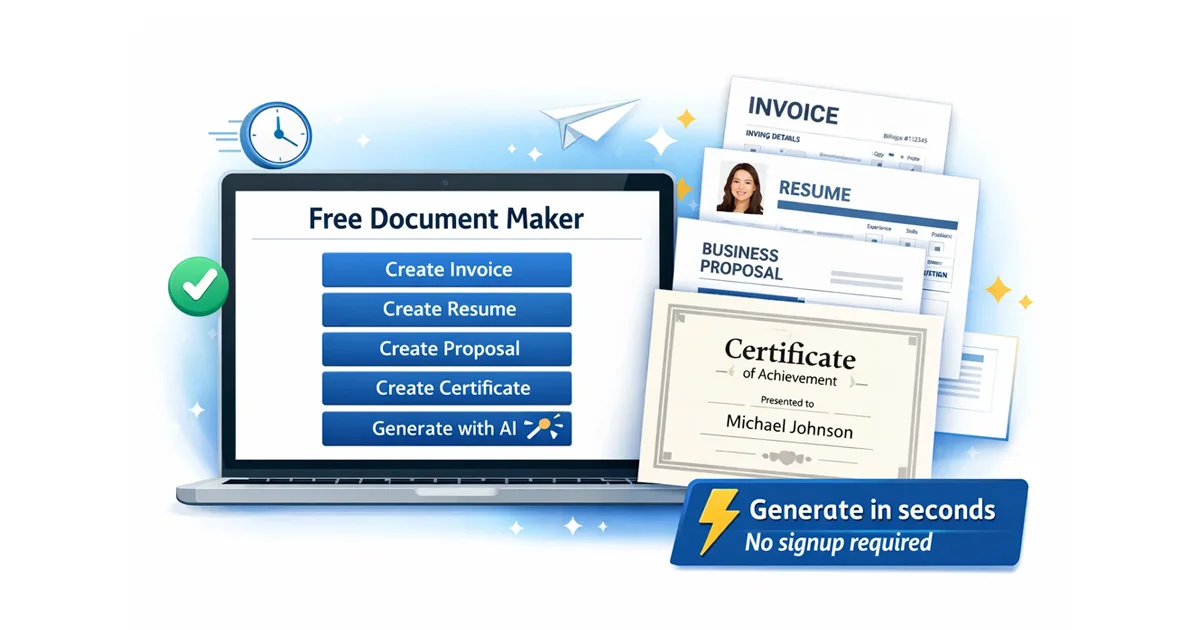
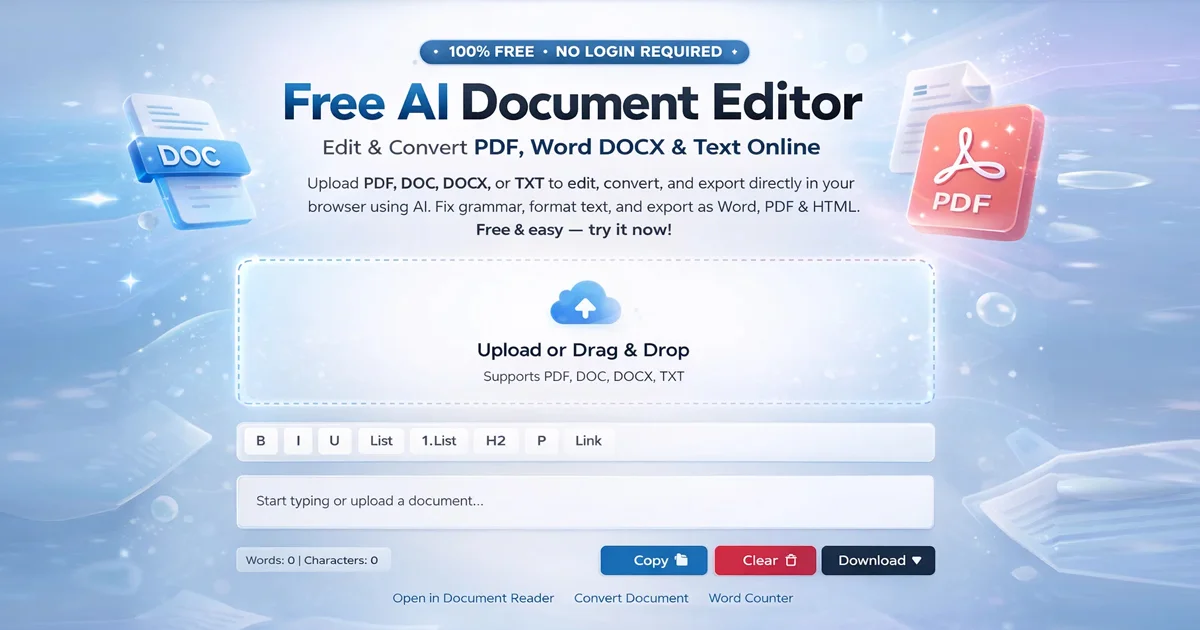
Free Document Maker (FDM AI) is a browser-based platform designed for structured document generation and file-based workflows. Rather than focusing only on conversational AI writing, the system aims to generate complete documents with formatting and export-ready structure.
The platform operates directly inside the browser and does not require user registration, which distinguishes it from many productivity tools that rely on account-based ecosystems.
Key Capabilities
AI document generation for reports, briefs, and structured content
PDF generation and formatting tools
Editing and rewriting assistance
Document structure and hierarchy generation
Additional utilities for image, PDF, and file workflows
Export-ready outputs without watermark
Typical Use Cases
Students preparing reports or summaries
Freelancers generating proposals or documentation
Small teams producing operational documents
Users who prefer browser-based tools without account setup
Because it combines document generation with file utilities, the platform functions more like a lightweight productivity workspace rather than a single-purpose writing assistant.
2. Canva Docs
Rating: ⭐⭐⭐⭐
Canva Docs approaches document creation from a design-first perspective. Instead of focusing primarily on structured content generation, the platform emphasizes visual layout and presentation.
Its AI component, known as Magic Write, assists with drafting text inside documents, but the core strength of Canva remains its visual design system and template ecosystem.
Strengths
Highly polished visual document layouts
Large template library
Strong integration with Canva design tools
Limitations
Less suitable for structured or technical documents
Limited automation compared with workflow-oriented platforms
Requires account login
For teams producing visually branded documents or marketing materials, Canva Docs remains a widely adopted option.
3. Microsoft Copilot for Word
Rating: ⭐⭐⭐⭐
Microsoft Copilot integrates AI capabilities directly into Microsoft Word and the broader Microsoft 365 ecosystem. It is particularly useful in enterprise environments where documents must align with existing collaboration systems and security frameworks.
Because it operates within familiar productivity software, Copilot allows organizations to adopt AI-assisted writing without changing their existing workflows.
Strengths
Deep integration with Microsoft Office
Enterprise-grade security and compliance
Suitable for long-form reports and corporate documentation
Limitations
Requires Microsoft 365 subscription
Less flexible outside the Office ecosystem
Not optimized for quick browser-based workflows
For organizations already invested in Microsoft tools, Copilot represents a natural extension of their existing document environment.
4. Google Docs with Gemini
Rating: ⭐⭐⭐⭐
Google Docs, enhanced with Gemini AI, focuses on collaborative editing and real-time document workflows. Its AI tools assist with drafting, summarizing, and rewriting text within shared documents.
This makes it particularly useful for distributed teams working on documents simultaneously.
Strengths
Real-time collaboration
Simple interface widely familiar to users
Cloud-based workflow integration
Limitations
Limited structured document automation
Fewer built-in templates compared with design-focused tools
Requires a Google account
Google Docs remains one of the most widely used collaborative writing platforms, particularly in education and remote work environments.
5. Notion AI
Rating: ⭐⭐⭐⭐
Notion AI is designed primarily for internal documentation and knowledge management rather than standalone document production.
The platform integrates AI writing assistance into a workspace that combines notes, databases, project management, and documentation.
Strengths
Strong knowledge management features
Integrated workspace for projects and documentation
Useful summarization and rewriting tools
Limitations
Limited export options for formal documents
Formatting may require additional adjustments
Full AI features require a paid plan
For teams maintaining internal documentation or project knowledge bases, Notion AI remains a practical solution.
Choosing an AI Document Generator
When evaluating AI document tools, several factors often influence the decision:
Whether the platform supports structured document output
The availability of collaboration features
Export formats such as PDF or DOCX
Integration with existing workflows
Accessibility and account requirements
Some tools focus on visual presentation, others emphasize enterprise integration, while some prioritize automation and simplicity.
Conclusion
The period from 2025 to 2026 represents a significant transition toward AI-assisted document workflows. Instead of manually assembling documents from templates, users increasingly rely on AI systems to generate structured outputs directly.
Platforms such as The Free Document Maker (FDM AI), Canva Docs, Microsoft Copilot, Google Docs with Gemini, and Notion AI illustrate different approaches to this evolving category.
As AI tools continue to mature, document creation is likely to become increasingly automated, allowing individuals and organizations to focus more on content and decision-making rather than formatting and document preparation.